
The tool that reduces tickets, not margins
Self-service diagnostics your clients will actually use. Deploy via RMM, integrate with your PSA, and pair it with your VPN or SASE offering.
The problem every MSP knows
Network tickets drain resources and crush margins
"My internet is slow again"
Your techs spend hours on basic connectivity issues that clients could diagnose themselves
Level 1 tickets eat margins
Simple network problems use up billable hours that could go to high-value projects
Home networks you can't touch
You're not sending a tech to an employee's house, but you still get the call when their Zoom drops or VPN crawls
Can't scale support by hiring
Adding more techs for basic issues makes growth unprofitable
How MSPs deploy Network Weather
From RMM to running in under an hour
Deploy via RMM
Push silently through NinjaOne, Datto, ConnectWise, or any RMM tool
Configure per client
Set the org, assign API keys, optionally add your branding
Clients self-diagnose
One click gives them plain English explanations and fix instructions
Tickets auto-close
Issues resolved by users automatically update your PSA system
What your clients actually see
A branded diagnostic tool that solves problems before they become tickets
Client's WiFi drops during a video call
Client opens a ticket: "Internet is slow again"
Your tech remotes in, runs diagnostics for 20 minutes
Discovers client's router needs a restart. Billable time wasted.
Client's WiFi drops during a video call
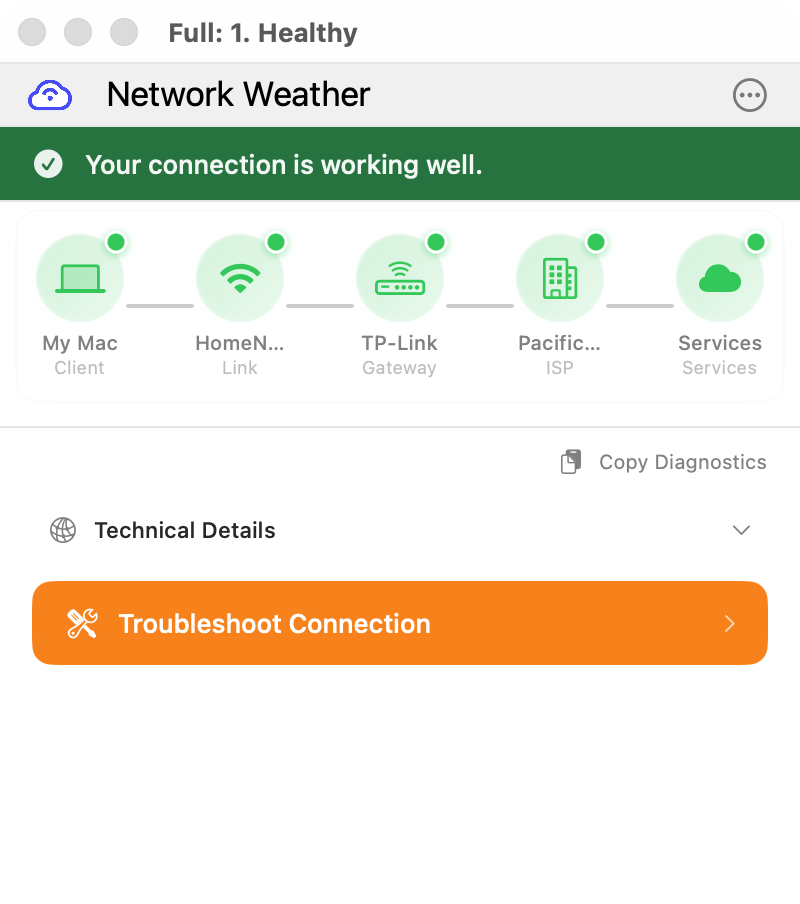
Client clicks the diagnostic tool in their menu bar
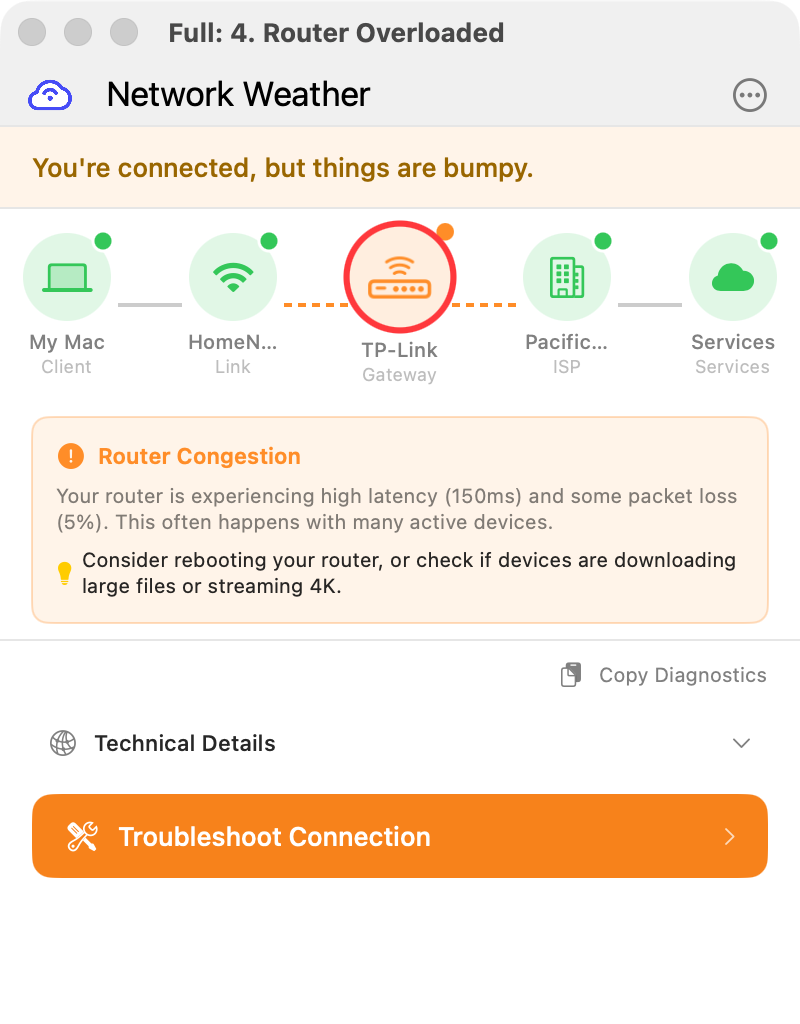
Sees: "Your router is dropping packets. Restart it to fix."
Client fixes it themselves. No ticket opened, no tech dispatched.
Why MSPs add Network Weather
A natural companion to the connectivity services you already sell
Pair it with your VPN or SASE sale
You sold them ZTNA, VPN, or hosted VOIP. Now give them a way to tell whether the problem is their network or yours.
Visibility into home networks
See WiFi signal, router health, and ISP quality at employee homes without sending anyone on-site
Handle more clients, same team
Self-service diagnostics absorb the repetitive tickets so your techs work on what matters
Optional white-labeling
Put your brand on it if you want. Clients see your name and associate the fix with your service.
Integrates with your existing stack
Drop into your workflow, not around it
PSA Tools
- ConnectWise Manage
- Autotask PSA
- ServiceNow
- Freshservice
- Custom API available
RMM Platforms
- NinjaOne
- Datto RMM
- ConnectWise Automate
- Kaseya VSA
- Any MSI/EXE deployment
Business Tools
- HubSpot CRM
- Salesforce
- QuickBooks
- Office 365
- Slack notifications
Pricing that makes sense for MSPs
Per-seat, volume-discounted, margin-friendly
Per-Seat Model
- Volume discounts start at 100 seats
- No setup fees or minimums
- Include in your managed services pricing
- Typical MSP markup: 200-300%
ROI Calculator
Cross-platform coverage
macOS and Windows, deployed through your existing tools
macOS
Native app for macOS 14 (Sonoma) and later. Apple Silicon and Intel supported. Signed and notarized PKG installer for deployment via Jamf, Kandji, Mosyle, or Munki.
Windows
Native app for Windows 11 and later. Standard MSI installer for deployment via Group Policy, SCCM, Intune, or any RMM that supports MSI/EXE push. Silent install supported.
MSP questions, answered
Is white-labeling available?
Yes. You can configure your company name, logo, and brand colors in the management dashboard. When clients open the app, they see your branding. Support links point back to your ticketing system.
How do I deploy to client devices?
Network Weather ships as a signed PKG (macOS) and MSI (Windows). Push it through your RMM just like any other managed application. Pre-configure settings via a JSON config file deployed alongside the installer. Most MSPs have it rolled out in under an hour.
What kind of tickets does it actually reduce?
The biggest impact is on "internet is slow" and "my video calls keep dropping" tickets. Network Weather handles the initial diagnosis and often the fix. Your techs still handle the hard stuff, but the repetitive Level 1 network tickets largely handle themselves.
Does it compete with our monitoring tools?
No. Network Weather is a user-facing tool, not an admin dashboard. It complements your RMM and monitoring stack by giving end users the ability to self-diagnose. Your monitoring tools tell you what's happening across the fleet; Network Weather tells the user what's happening on their machine and how to fix it.
What data does it collect?
Network Weather collects network performance metrics: WiFi signal quality, latency, packet loss, jitter, DNS resolution times, and gateway health. It does not inspect network traffic, capture packets, or access browsing history. All data is encrypted in transit and at rest.
Can I try it before committing?
Yes. We offer a pilot program so you can test with a subset of endpoints before rolling out across your client base. Schedule a demo to get started.
Want to see it in action?
We'll walk through a live deployment, white-label setup, and PSA integration in 30 minutes.